
Connect Klaviyo
Klaviyo is how most merchants send Oat emails: you trigger them from your existing flows and campaigns, and Klaviyo keeps the attribution.
Connect your account
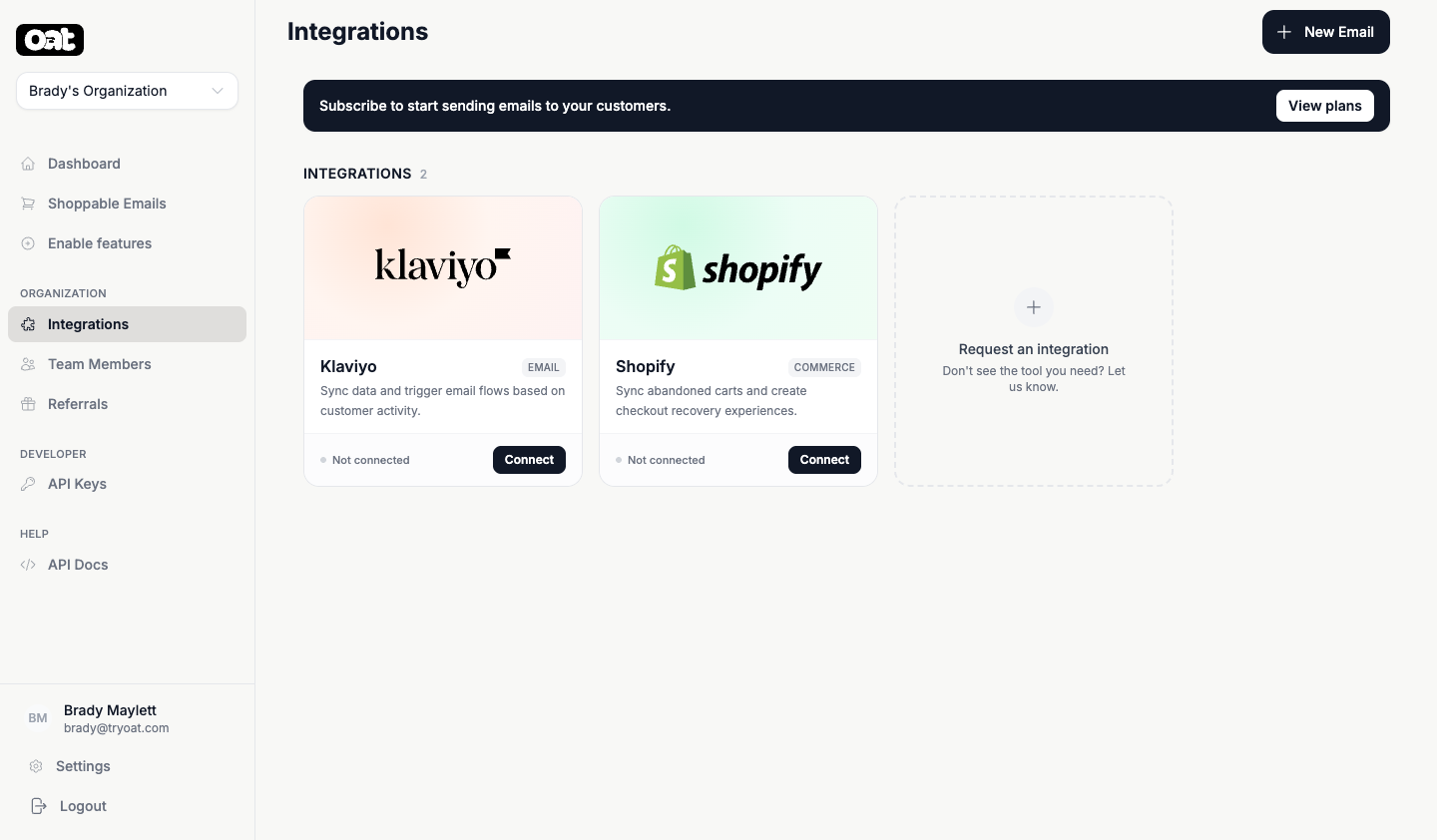
- 1 Open Integrations and click Connect on the Klaviyo tile.
- 2 Approve access — Oat only requests the scopes your enabled features need.
app.tryoat.com/o/…/integrations
Sending from Klaviyo
Build an email in Oat, then place it in a Klaviyo flow one of two ways:
- 1 Paste Oat's exported template into a Klaviyo email — Klaviyo fills the merge tags from the trigger event and sends, with the interactivity intact.
- 2 Auto-sync — when you publish changes in Oat, we update the Klaviyo template in place via the API, so there's nothing to re-paste.
Engagement flows back
As customers interact — open, view a product, add to cart, click checkout — Oat sends those events back to Klaviyo as metrics. You can build segments and trigger follow-up flows on them, just like any other Klaviyo event.
Interactive email needs sender approval
Gmail requires a one-time sender registration before it'll render the interactive version. Oat handles it — see Sender approval.