
Getting started
Oat turns your everyday marketing emails into interactive, shoppable experiences — customers browse products, update a cart, and check out without ever leaving the inbox.
How it works
You design an email once. Oat generates two versions automatically: an interactive AMP version for inboxes that support it (Gmail, Apple Mail), and a clean HTML fallback for everywhere else. Your customer always sees something that works.
Three steps to your first send
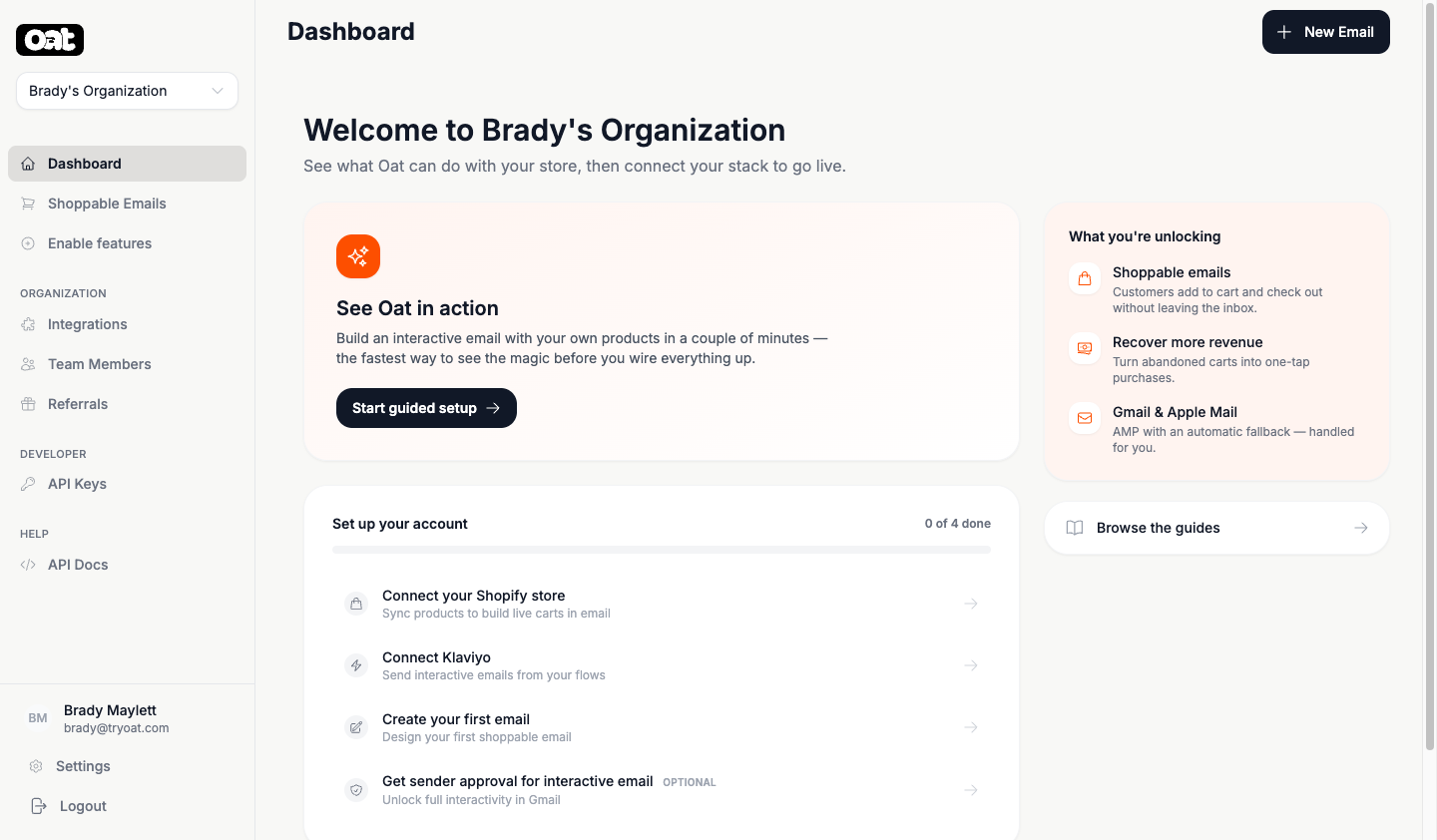
- 1 Connect Shopify so Oat can sync your products and build live carts. See Connect Shopify.
- 2 Connect Klaviyo to send interactive emails straight from your existing flows. See Connect Klaviyo.
- 3 Build your first email in the editor, then test-send it to yourself.
Just want to see it?
From your dashboard, hit “Start guided setup” — it builds an interactive email with your own products in a couple of minutes, no integrations required.
What you'll unlock
Shoppable emails that recover abandoned carts, feature products, collect form responses, and keep customers updated on returns and subscriptions — each measured with built-in analytics. See Email types.