
Email types
Each Oat email type is purpose-built for a moment in the customer journey. Pick a type, customize the design, and send.
Abandoned cart
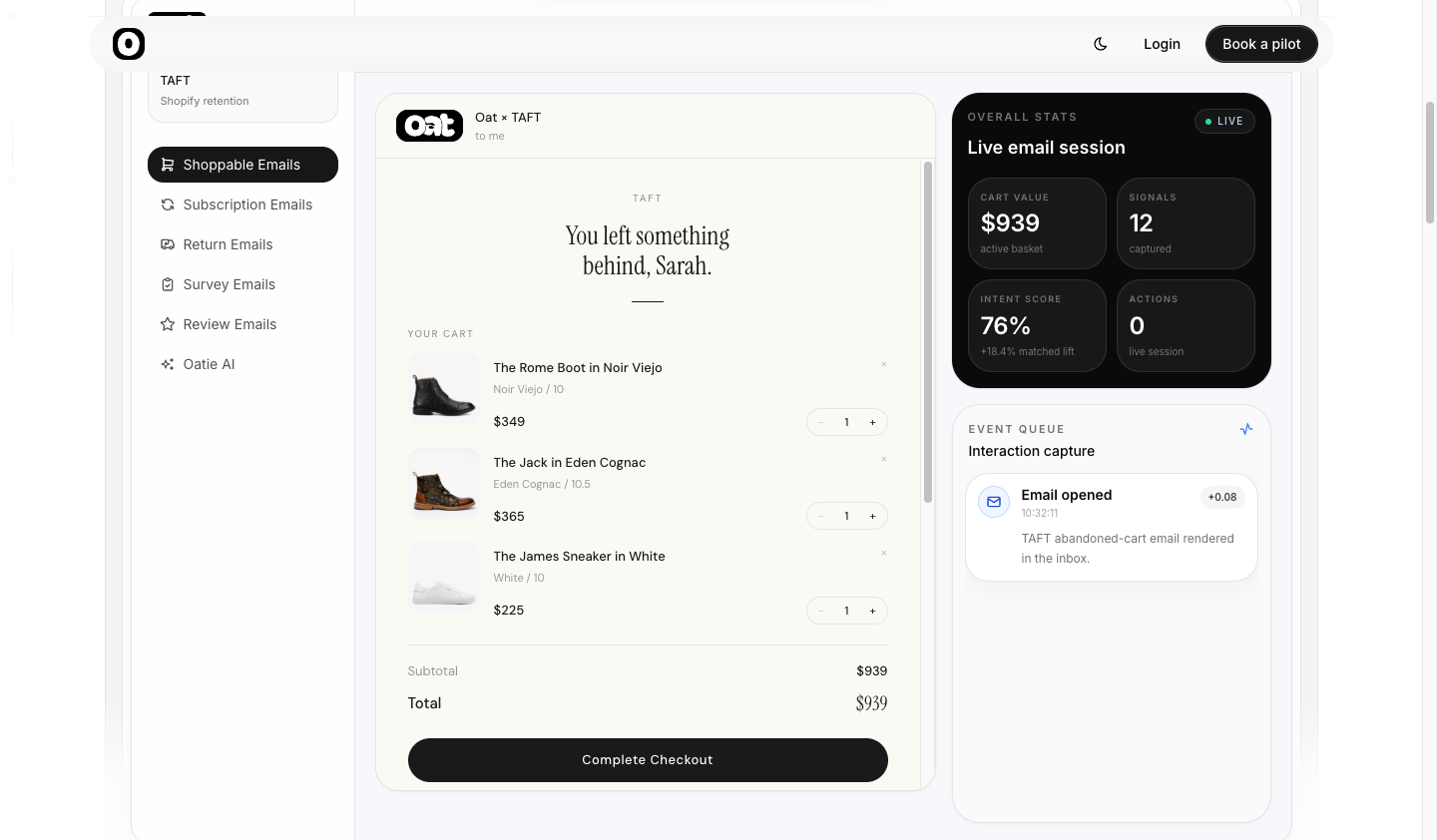
Recover lost carts with the full cart rendered live in the email — update quantities, swap variants, and check out in one tap. The flagship interactive type.
Featured product
Spotlight a single product (or a curated set) with an inline product view: gallery, options, and add-to-cart, without leaving the inbox.
Shop collections
Put a curated collection in the inbox — browse the products, open one for its options, and add to cart inline. The catalog-browsing counterpart to featured product.
Forms & surveys
Collect responses right inside the email — sizes, preferences, birthdays — and write the answers straight to the customer's Klaviyo profile for segmentation.
SMS signup
Not available yet
This type is still in development, so it doesn't appear when you create a new email. Any section without this note can be started from New email.
Capture a phone number and SMS marketing consent without a landing page. The consent UX is configurable (checkbox, disclosure, or both) so you can match your state-by-state legal posture.
Product review
Ask for a rating after delivery — the customer taps a star and adds an optional comment from the inbox, and the response fires a Review Submitted event into Klaviyo. Also available over the send API.
Spin to win
A gamified prize reveal — the customer taps a wheel and it lands on the offer you configured. Useful for win-backs, welcome bonuses, and seasonal hooks.
Returns
Not available yet
This type is still in development, so it doesn't appear when you create a new email. Any section without this note can be started from New email.
Keep customers updated through the return lifecycle — submitted, in transit, delivered, refunded — and let them take action inline. Works with Loop and Redo.
Subscriptions
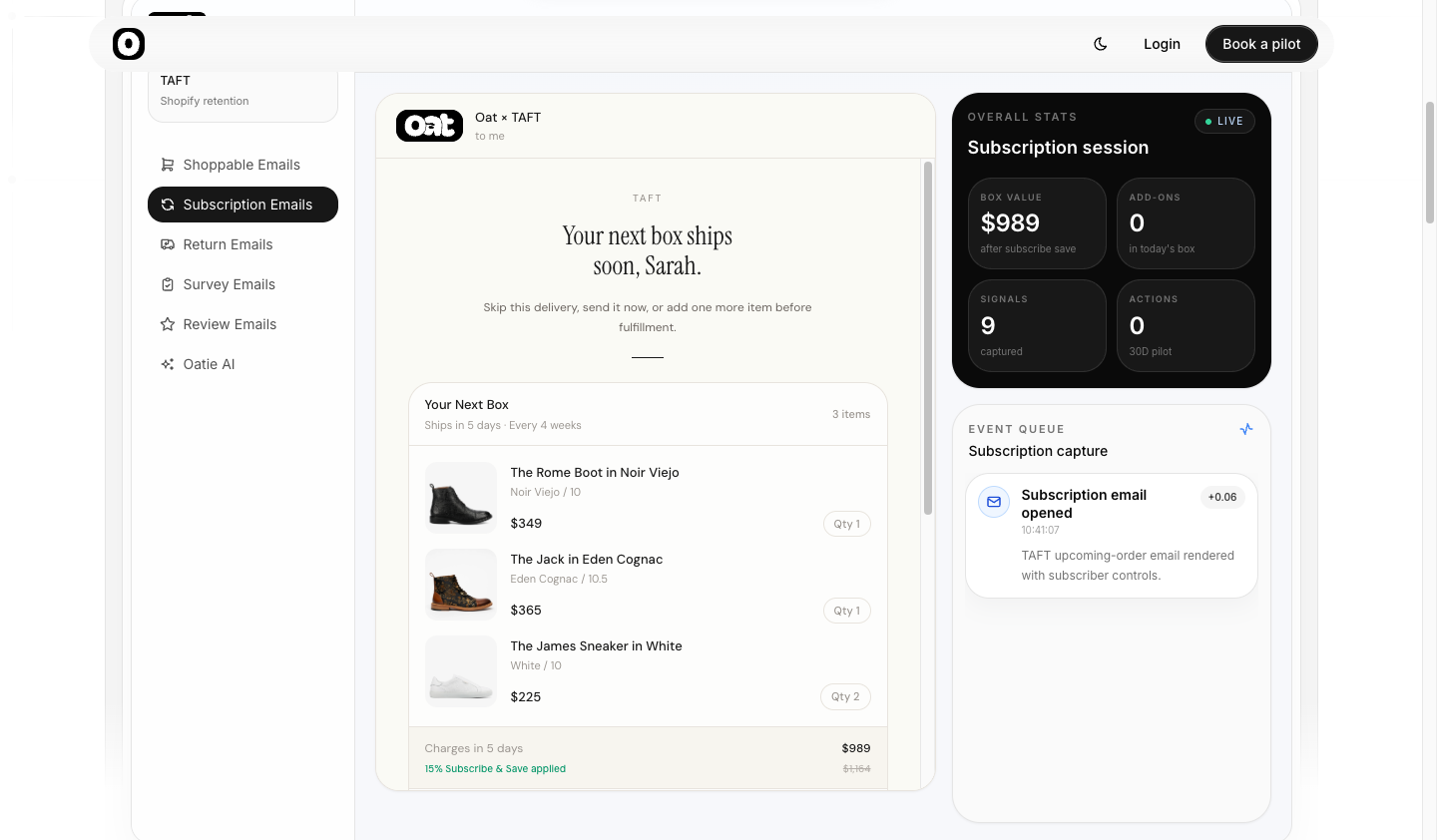
Preview upcoming orders, restart a lapsed subscription, or upsell add-ons — interactive subscription management from the inbox.
Not sure where to start?
Most merchants begin with abandoned cart — it's the highest-impact type and the best showcase of what interactive email can do.