
Connect a subscription app
Subscription emails — preview, restart, upsell, and recovery — need to read and manage your customers' subscriptions. Oat does that through the subscription app your store already runs on: Recharge, Skio, or Loop.
Which one do I connect?
Just the one your store uses — you don't need all three. If you don't run subscriptions at all, you don't need this step; turn off Subscription Emails under Enable features and the prompt goes away.
Connect it
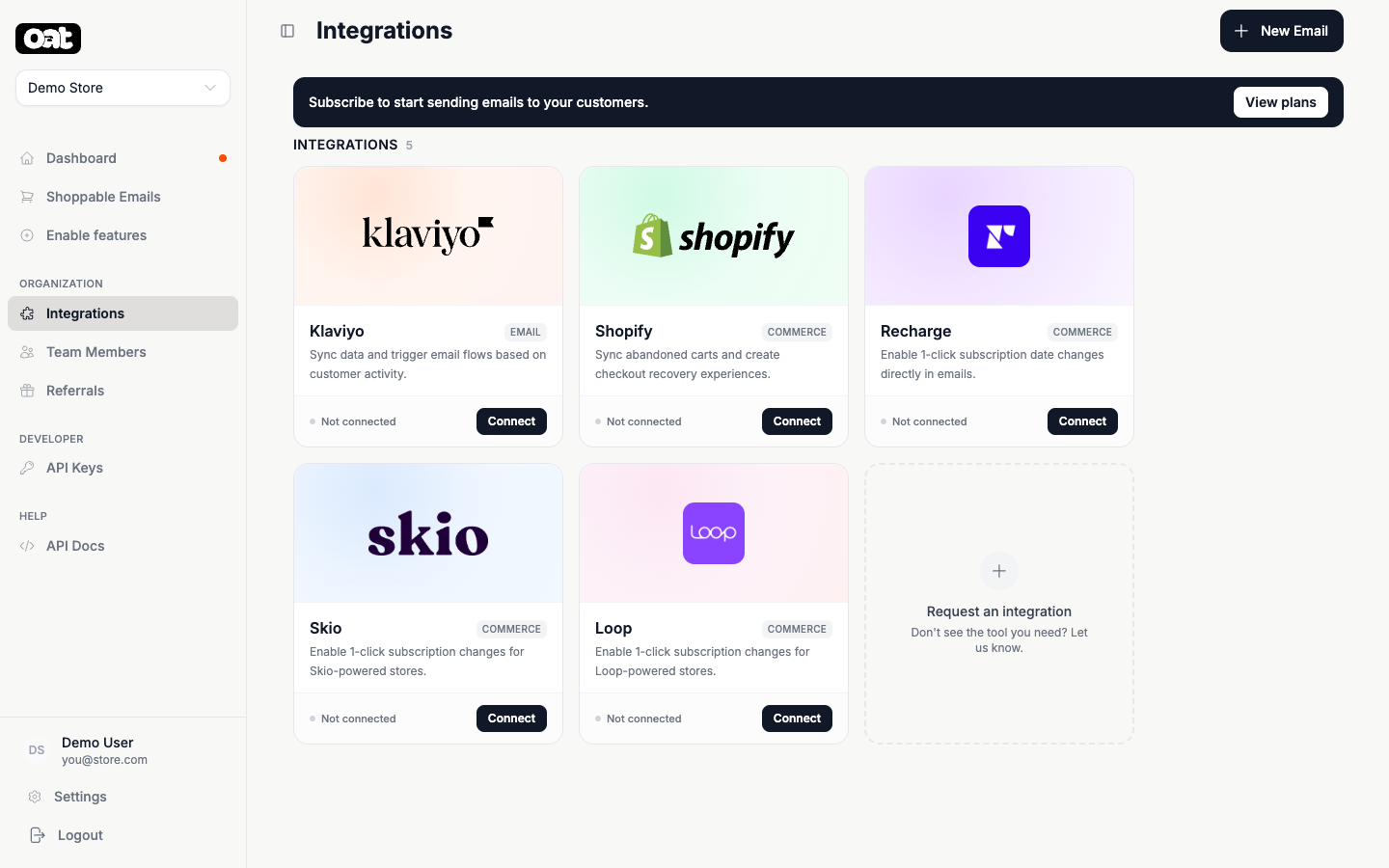
- 1 Open Integrations from the sidebar.
- 2 Find the Recharge, Skio, and Loop tiles and click Connect on the one you use. If they read Locked, click Turn on Subscription Emails on the tile first — connecting comes after the feature is on.
- 3 Paste the API key from that provider's admin — the connect window tells you exactly where to find it.
What it unlocks
Once connected, subscription emails can show a customer's next order and let them skip, swap, restart, or upsell a subscription — all interactively, right in the inbox.
Tiles showing as Locked?
Recharge, Skio, and Loop can only be connected once Subscription Emails is enabled under Enable features. The tile links straight to that switch — turn it on, come back to Integrations, and the tile offers Connect.