
Sender approval
To show the interactive (AMP) version of an email, Gmail requires the sending domain to be registered once. Until then, recipients still get the full HTML fallback — nothing breaks.
Why it's needed
Gmail only renders interactive email from senders it has vetted. This is a Google requirement, not an Oat one — it's a one-time registration per sending identity. Apple Mail doesn't require it.
How Oat handles it
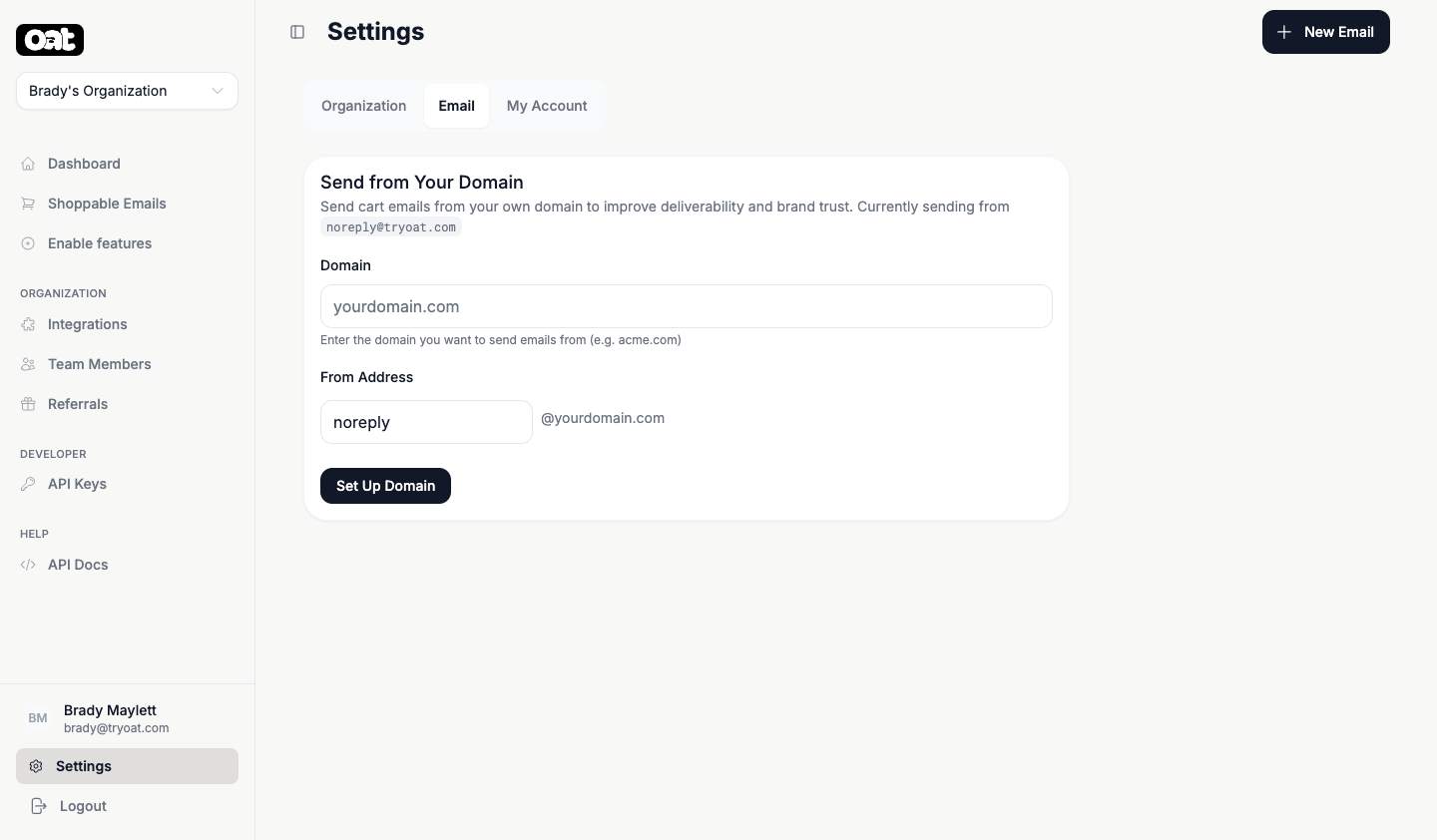
- 1 From Settings, start sender approval for your Klaviyo sending domain or your own domain.
- 2 Oat sends a small probe interactive email and watches for Gmail to accept it.
- 3 Once detected, the step flips to approved automatically — no manual paperwork to track.
What recipients see meanwhile
Before approval (or in any inbox that doesn't support interactivity), recipients get the HTML fallback — a normal, great-looking email. After approval, supported inboxes upgrade to the interactive version automatically.
Optional, but worth it
Sender approval is the one optional setup step. It's what unlocks add-to-cart and checkout directly inside Gmail.